
DivaTraffic is Closed
As of Feb 20, 2026, DivaTraffic has officially shut down.
All traffic buying services are now discontinued.
Now, this isn’t goodbye to monetization 👇
Have traffic to monetize?
Studios, cam models & creators can still earn via affiliate programs on CrakRevenue.
Join CrakRevenueNote: CrakRevenue helps you monetize traffic you already have — it does not sell traffic to profiles.

Creator or influencer with an engaged fanbase?
Get paid to collaborate with adult brands through FansRevenue.
Join FansRevenue
Questions from former users?
Contact SupportDivaTraffic’s New Display Ads Feature: Create Your Display Ad Campaigns for Webcam Models
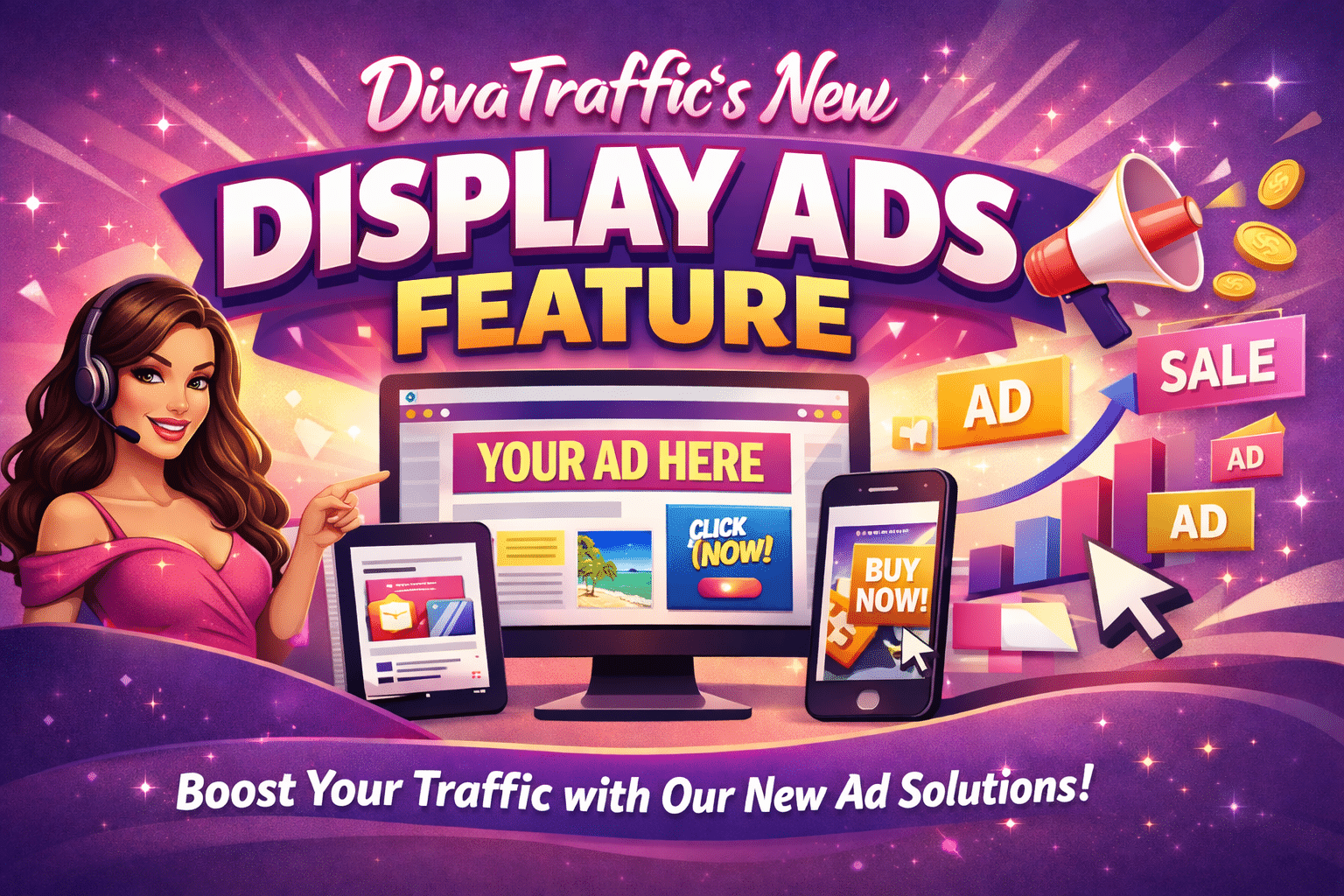
Display Ads add a powerful new layer to your traffic strategy. While POP brings the scale, Display Ads bring the intention. By setting expectations early (showing users who you are, what you offer, and why they should click), you attract visitors who arrive already warmed up, informed, and ready to interact.
POP Traffic remains the king of reach and visibility, but Display Ads introduce something every creator wants: traffic with context, purpose, and a higher chance of converting into engagement or revenue.
And now, DivaTraffic is making this a reality for cam models, studios, and creators with a brand-new feature built just for your workflow.
Announcing DivaTraffic’s New Display Ads Feature
We’re excited to introduce a brand-new traffic option inside DivaTraffic: Display Ads for Cam Models.
This release gives creators a new way to shape how potential viewers first see them, with customizable ads designed to pre-qualify traffic before users ever land in the room.
What’s new?
- A brand-new Display Ads traffic type in your dashboard
- Built specifically for webcam models and studios
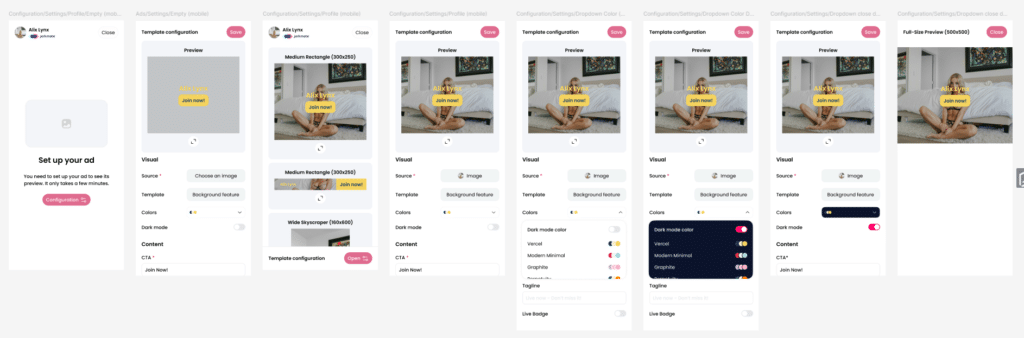
- Simple, intuitive setup: choose a template, pick an image, publish
- Auto-generated creative assets pulled from your connected cam profile
- Full control over your imagery, colors, tagline, and call-to-action
- Designed to complement POP campaigns, not to replace them
POP handles volume. Display Ads handle intention. Together, they create the strongest traffic mix possible.
POP Traffic vs. Display Ads: Pros & Cons (High-Level Analysis)
POP Traffic: Pros
- Massive volume instantly
- Excellent for boosting visibility and ranking
- Perfect for keeping rooms active
- Cost-efficient scale
POP Traffic: Cons
- Lower intent
Mixed traffic quality - Engagement varies from user to user.
Display Ads: Pros
- Users click by choice → stronger qualification
- Higher engagement and CTR
- Clear messaging before they arrive
- Warmer traffic with better conversion potential
- Builds anticipation and context
Display Ads: Cons
- Lower volume compared to POP
- Requires creative assets (though DivaTraffic auto-generates templates)
A quick reminder:
Neither traffic type is “better.” They simply serve different roles:
- POP = Quantity
- Display = Quality
The real power comes from combining both.
POP Traffic vs. Display Ads Traffic (Comparison)
| Feature | POP Traffic | Display Ads |
| Main Strength | Massive reach & impressions | Higher intention, better qualification |
| User Behavior | Passive: redirected automatically | Active: clicks because of genuine interest |
| Traffic Quality | Broad, mixed, high volume | Warmer, engaged, purpose-driven |
| Best For | Room fills, rankings, volume | Interactions, conversions, ROI |
| Cost Efficiency | Excellent for scale | Excellent for targeted engagement |
| Context | User doesn’t choose to visit | User chooses based on message & visuals |
| Engagement | Lower average engagement | Higher CTR & stronger room behavior |
In simple terms:
POP is push traffic. Display Ads are pull traffic.
Display Ads create curiosity and set expectations, which increases the likelihood that a visitor engages, tips, or stays longer. Both are essential in a modern cam model advertising strategy.
Understanding the New Display Ads Feature (High-Level Breakdown)
DivaTraffic’s Display Ads are built specifically for cam creators and their workflows. Everything is designed to be quick, visual, and creator-friendly.
What’s included:
- Fully customizable visual ads
- Auto-loaded images from your connected cam profile (or upload your own)
- Professional templates proven to convert
- Editable color themes
- Custom tagline + CTA
- Optional LIVE badge for urgency
- Premium, high-visibility placements
- Fast setup with no design skills required
This feature gives you the power to create personalized ad experiences for your audience. Something traditional POP simply can’t offer.
How It Works (Step-by-Step Flow)
When screenshots become available, they can be plugged in here. For now, here’s the walkthrough:
1. Select “Display Ads” as your campaign type
Choose it directly from your DivaTraffic dashboard when starting a new campaign.
2. Choose your image
You can:
- Pick an image automatically pulled from your connected cam profile
- Or upload your own custom photo
3. Select a professional template
Our curated layouts are optimized for performance and visibility.
4. Customize your colors
Match your brand aesthetic, room style, or seasonal theme.
5. Add your tagline
Examples:
- “Live now. Come play!”
- “Let’s get to know each other…”
- “Join my room 💕”
6. Add your CTA
Examples:
- “Enter My Room”
- “Watch Live”
- “Join Now”
7. Toggle the optional LIVE badge
A great way to create urgency and drive clicks.
8. Launch your campaign & track results
All analytics are visible directly inside DivaTraffic.
Total setup time: a few minutes.
Why Display Ads + POP = The Perfect Traffic Mix
The strongest traffic strategy uses both traffic types:
POP brings:
- Volume
- Reach
- Ranking boosts
Display Ads bring:
- Intention
- Warmer engagement
- Better qualification
Together, they deliver:
- Scale + Quality
- Visibility + Conversion
- Reach + Revenue
It’s the ideal combination for maximizing performance while controlling your traffic funnel.
DivaTraffic’s new Display Ads feature gives cam models and studios a brand-new tool for attracting more intentional, more engaged viewers. This is the perfect moment to start testing Display Ads alongside your POP campaigns and compare the impact directly inside your analytics.
If you’re ready to level up your traffic strategy and bring more qualified viewers into your room, log into DivaTraffic and create your first Display Ads campaign today.
Your audience is out there. Now you can choose how they see you. And we’ve reached the point where you log back into the platform and start testing options!